6 Best AI Tools for LinkedIn Visuals That Simplified My Content Creation Journey

Creating consistent, visually engaging LinkedIn posts shouldn’t feel like a full-time job. But for many professionals, limited time, design skills, and the effort of keeping visuals consistent over time can make this task a struggle. The good news? AI tools have completely transformed how we approach LinkedIn content creation. With tools like MolyPix.AI, you can craft polished, professional visuals in no time.
If you’re ready to simplify your LinkedIn strategy, explore how these tools can make your content stand out.
How I Evaluated LinkedIn Post Maker
When choosing the best LinkedIn post makers, I focused on three key factors:
- Ease of Use: Tools had to be intuitive and efficient, allowing users to create visuals quickly without extensive learning curves.
- LinkedIn Optimization: Each tool was assessed for its ability to create visuals specifically tailored for LinkedIn, including proper dimensions and professional aesthetics.
- Value for Money: The cost had to align with the features offered, ensuring a balance between affordability and functionality.
These criteria ensured that the tools I selected not only simplified content creation but also delivered high-quality, LinkedIn-ready results. They made it incredibly easy to resize visuals, modify prompts, and customize templates effortlessly. For instance, I recently used it to create a visually engaging “Career Fair” post in under five minutes. It easily would’ve taken hours otherwise.

Top 6 LinkedIn Post Makers I’d Pick
Picking the right LinkedIn post maker can feel overwhelming with so many options. Yet, not all tools are equally effective in balancing visuals, text, and ease of use. Here, I’ll break down six practical options, from streamlined visual makers to workflows that support ongoing brand consistency, focusing on their unique features and why they’re worth considering:
1. Dynal.AI
Overview
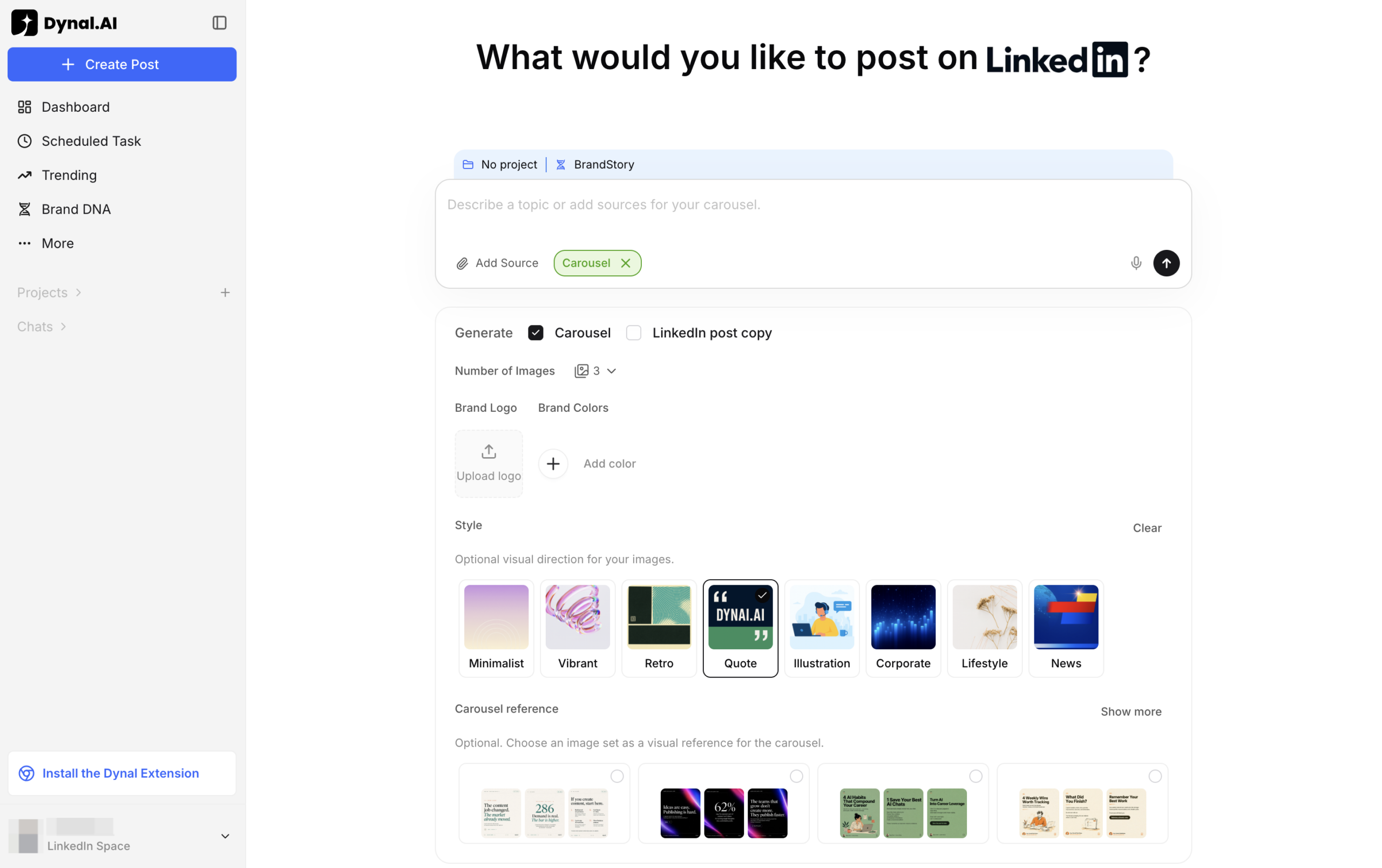
When you post on LinkedIn consistently rather than making occasional one-off graphics, brand consistency and lighter prep work matter just as much as fast design. Dynal’s LinkedIn Carousel Generator helps you turn rough ideas, notes, files, or prompts into single images, multi-image posts, and carousels, alongside matching post copy.
Key Features
- Reusable Brand DNA: Setting up Brand DNA is not required to generate visuals, yet spending just a few minutes configuring your brand colors, visual direction, reference styles, voice, audience, and knowledge base helps keep future posts consistent without starting from scratch every time.
- Flexible Visuals and Copy: Generate visuals alone or together with post copy, choose how many slides or images you need, and turn notes or documents into structured visuals without manually splitting every section yourself.
- Scheduled Tasks with Review: Set up a recurring task around a project you want to grow, and let Dynal act like a personal assistant behind the scenes. It prepares upcoming posts ahead of each Posting Plan slot so your visuals stay consistent over time, while you only review and approve before publishing or scheduling.
Who It’s Best For
Founders, marketers, and LinkedIn creators who post regularly, want to reuse brand context across single images, multi-image posts, and carousels, and prefer reviewing ready drafts over doing every step manually
Pricing
Starter begins at $40/month with 2,000 monthly credits for a single LinkedIn account, while Pro is $60/month with 4,000 monthly credits for managing multiple accounts, and yearly billing saves up to 20%.
2. MolyPix.AI
Overview
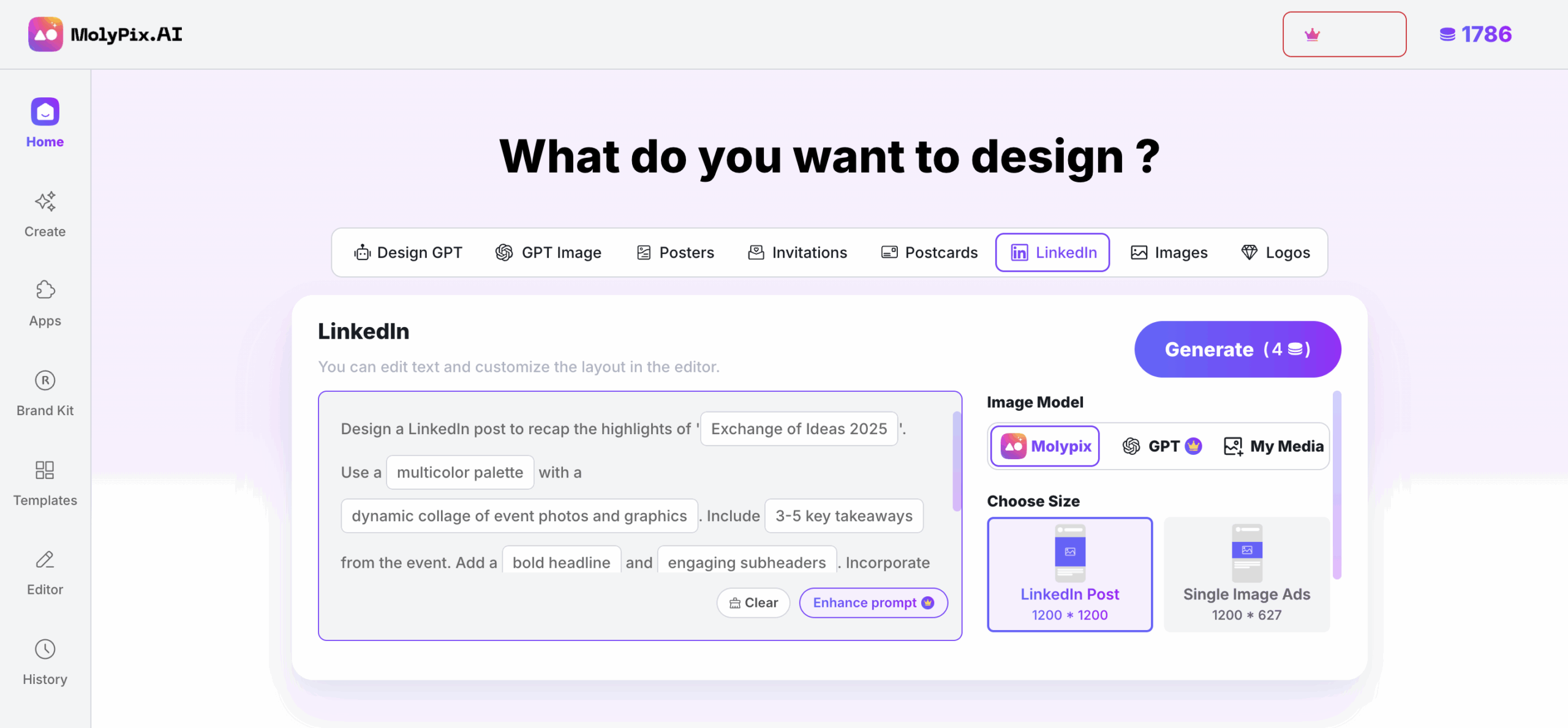
MolyPix.AI takes LinkedIn content design to a whole new level by combining AI’s efficiency with intuitive design features. Unlike many tools that require manual effort, this AI LinkedIn post maker focuses on generating professional visuals within 1 minute.
Key Features
- AI-Powered Visual Creation: Generate unique, ready-to-post designs through text prompts.
- Multiple Image Modes: Select from different image generation models to match your creative needs—get the right look, every time.
- Custom Colors: Effortlessly apply your own color palette to ensure every design aligns with your brand guidelines.
- Formatted Prompts: Use structured prompts to give clear creative direction, making it easier to get exactly what you want.
- Enhance Prompt: Instantly expand and enrich your prompt with one click, unlocking more creative possibilities and saving time brainstorming.
- Smart Templates: Choose from layouts specifically optimized for LinkedIn’s dimensions (like 1200×627 px and 1200×1200 px).
- Personalized Editing: Customize your designs by editing text, uploading images, and tailoring templates to match your brand’s unique style.
- Remix Templates: Start with pre-designed templates, then easily customize them to perfectly suit your branding.
Who It’s Best For
It’s perfect for marketers, solopreneurs, and small businesses seeking consistent LinkedIn visuals that reflect their brand without needing a designer.
Pricing
Start for free with 20 credits, and upgrade to plans starting at just $10.9/month for premium features and advanced customization.
3. Canva
Overview
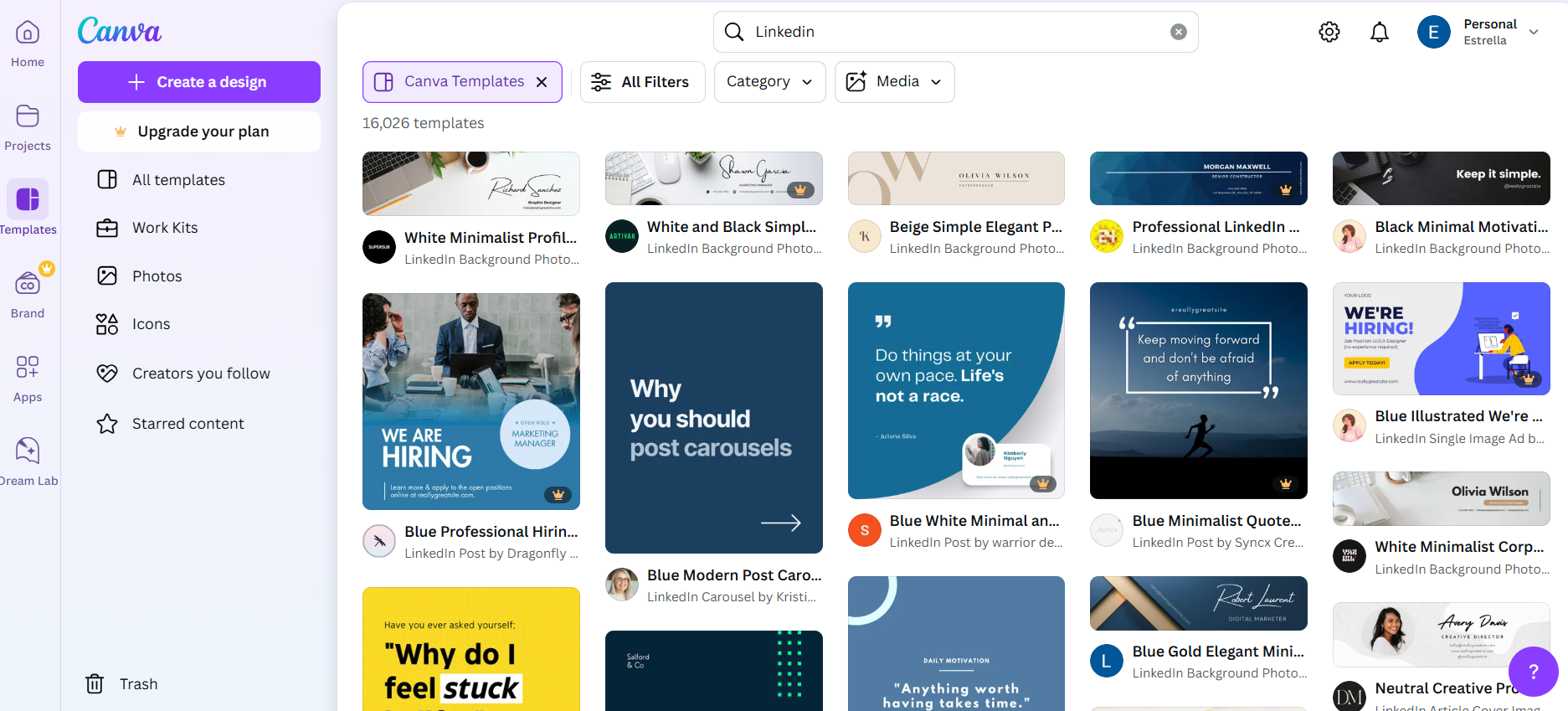
Canva is a versatile design platform widely known for creating graphics for social media, presentations, and more. Its focus on user-friendly drag-and-drop functionality makes it a go-to for LinkedIn posts, whether for professional visuals or text overlays.
Key Features
- Extensive Template Library: Canva offers thousands of templates tailored for LinkedIn posts, enabling polished visuals in no time.
- Custom Branding Tools: Save your brand colors, fonts, and logos to maintain consistency across designs.
- Collaboration Capabilities: Share projects with team members and edit designs together in real time.
Who It’s Best For
Canva works best for small business owners, marketers, and freelancers who want flexibility and ease in creating branded content.
Pricing
The free plan provides solid functionality, while pricing for Pro starts around $12.99/month, giving access to premium templates and features.
4. Adobe Express
Overview
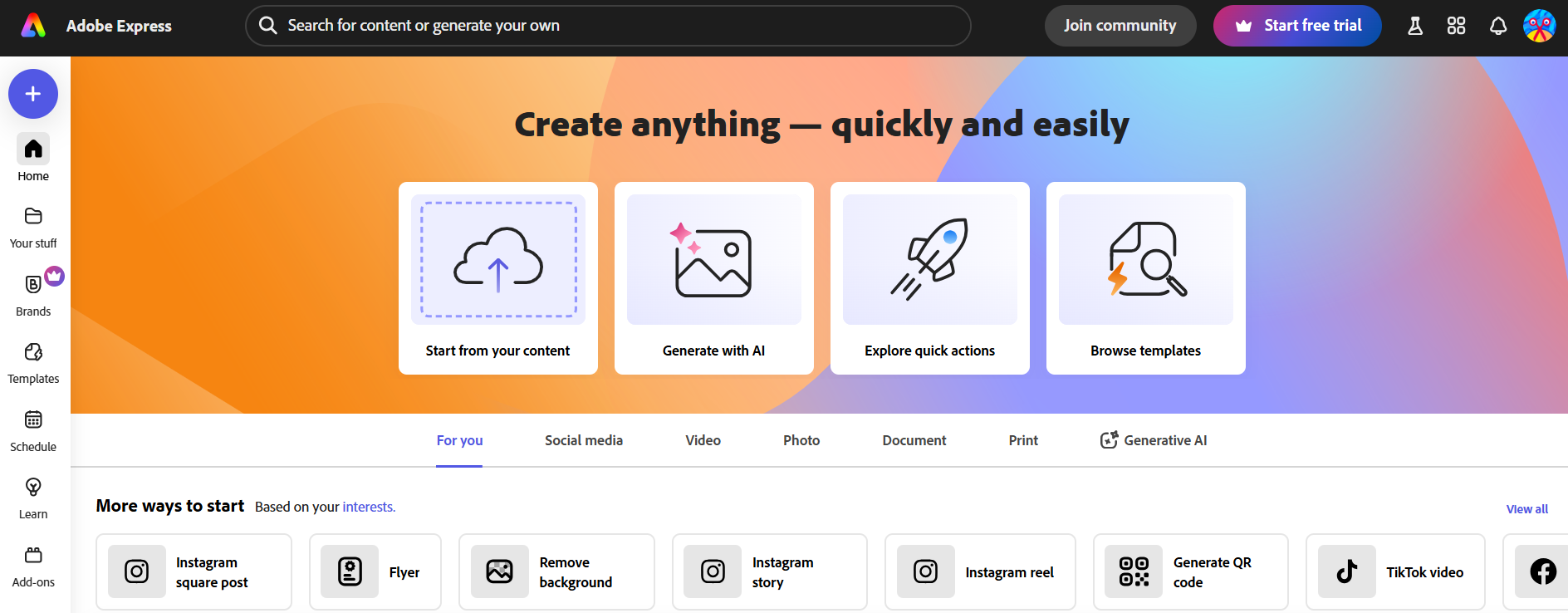
Adobe Express is Adobe’s streamlined design tool aimed at non-designers. It emphasizes creating professional-quality graphics quickly, making it ideal for LinkedIn.
Key Features
- Quick Actions: Resize, edit, and adjust visuals without navigating through complex software like Photoshop.
- Premium Design Assets: Access thousands of icons, typography, and stock images.
- LinkedIn-Optimized Templates: Dedicated templates sized to LinkedIn’s requirements, such as 1200×1200 px for posts.
Who It’s Best For
Creators who appreciate Adobe’s quality but prefer a simpler alternative to its flagship tools.
Pricing
Adobe Express offers a free version, but the Premium plan starts at $9.99/month.
5. VistaCreate (Formerly Crello)
Overview
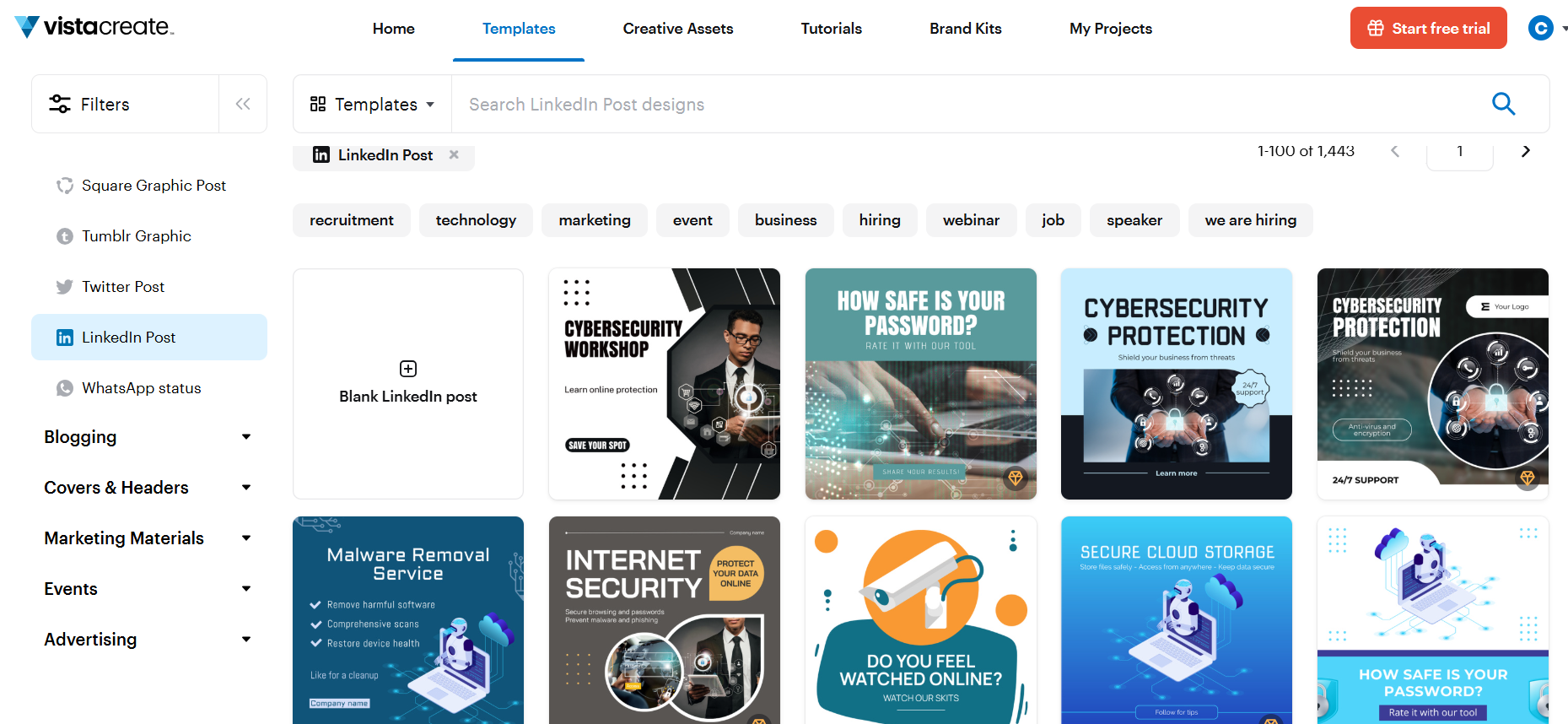
VistaCreate is an easy-to-use tool for creating professional visuals quickly. While simpler than Canva or Adobe Express, it’s great for social media content, especially LinkedIn posts.
Key Features
- Ready-to-use templates for quotes, announcements, and promotions.
- Animated designs and videos for more engaging content.
- Brand kits to save logos, colors, and fonts for consistency.
Who It’s Best For
Ideal for small businesses and freelancers needing quick, professional designs without the hassle.
Pricing
Free plan available, with premium features starting at $10/month.
6. Visme
Overview
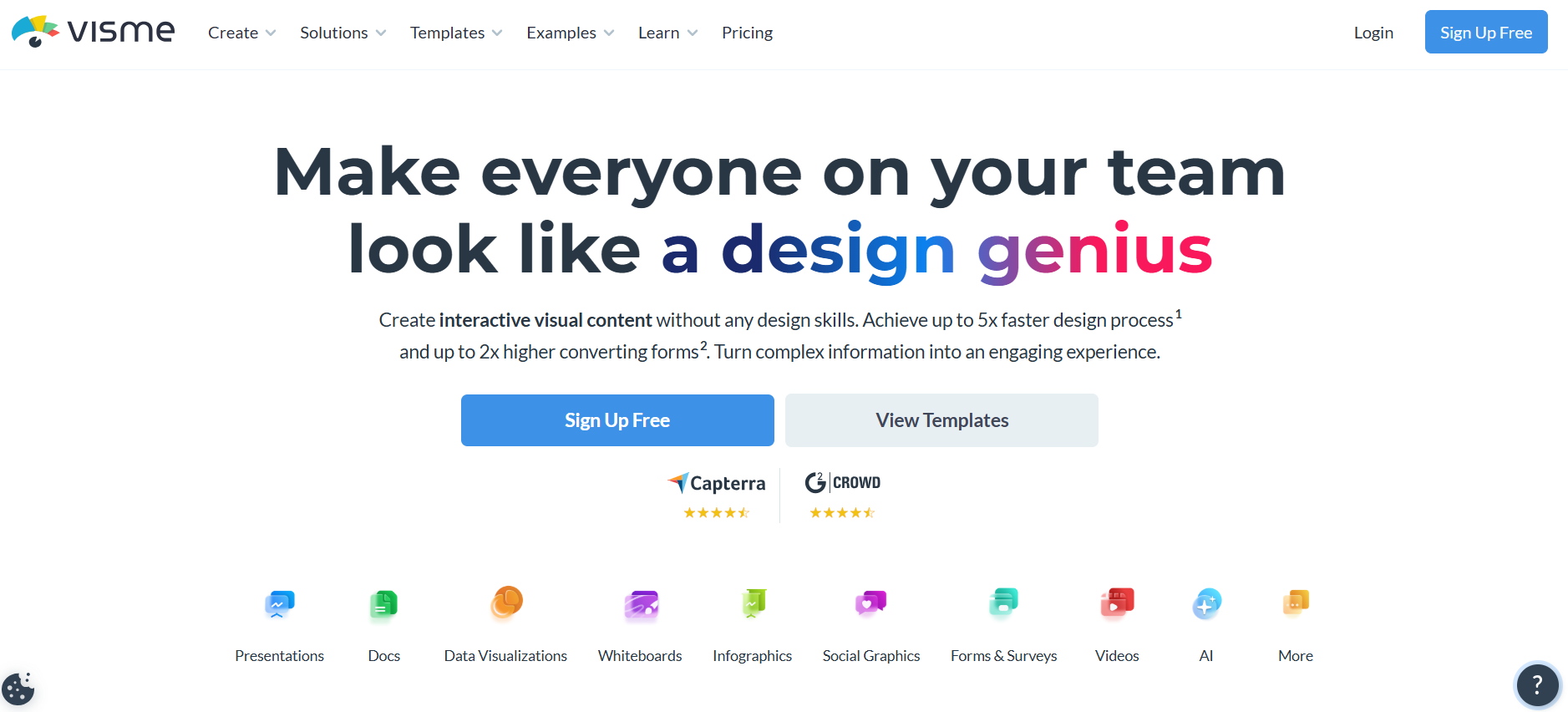
Visme is a versatile tool that combines infographic design with presentation and social media post creation. It’s a fantastic choice for LinkedIn users who want to create data-driven visuals or professional graphics.
Key Features
- Infographic Templates: Perfect for sharing statistics, reports, or company data on LinkedIn.
- Drag-and-Drop Editor: Easy customization for non-designers.
- Branding Tools: Save your brand’s visual identity for consistent posts.
Who It’s Best For
Visme is best suited for marketers and business professionals who frequently share data, presentations, or detailed visuals on LinkedIn.
Pricing
Visme offers a free plan, but premium features (like advanced templates) are available starting at $15/month.
Conclusion
Wrapping up after exploring these six LinkedIn post makers, the right workflow can save hours of design work for small business owners, freelancers, and marketers alike. You can also pull in free photos from Unsplash or Pexels whenever a post calls for extra visual variety.
Start with MolyPix.AI when you want fast, AI-assisted LinkedIn visuals and templates that turn rough ideas into polished graphics without heavy design work. Choose Dynal.AI if you post consistently and want ongoing Brand DNA reuse, multi-image or carousel formats, and scheduled drafts lined up for your review.
Pick the option that fits your pace and start creating posts today.
Frequently Asked Questions
Q1: What makes a good LinkedIn post maker?
A1: A good LinkedIn post maker combines easy editing, LinkedIn-friendly sizing and layout clarity, and pricing that matches how often you publish. Depending on your workflow, the best tool might focus on fast AI generation, rich templates, or ongoing brand consistency and scheduled draft prep.
Q2: Should I use single images or carousels on LinkedIn?
A2: Both work well depending on the story you want to tell. Single images are great for quick takeaways, announcements, and punchy visuals, while multi-image posts and carousels work better for step-by-step breakdowns, frameworks, and deeper explanations.
Q3: My competitors’ LinkedIn posts look so polished. How are they creating such professional content?
A3: Many professionals now use AI-powered design tools like MolyPix, ongoing visual workflows like Dynal, or design platforms like Canva. These tools make it easy to create professional-looking posts without a design background. The key is choosing a tool that fits your workflow.
Q4: I post daily on LinkedIn but struggle with creating fresh visuals. How can I speed this up?
A4: Daily LinkedIn posting gets much faster when you pair quick visual generation with repeatable workflows. Canva or Adobe Express offer reusable templates, MolyPix generates fresh visuals in minutes, and Dynal keeps daily publishing moving with scheduled drafts ready for your review and Brand DNA reuse. Test different options to find what works best for your posting schedule.
Q5: Should I invest in paid tools when LinkedIn engagement is unpredictable?
A5: Start with free options and trials to test what drives engagement. Many professionals begin with MolyPix free trial credits or Canva’s free plan, and explore Dynal when they want a more structured ongoing routine. Once you see results, you can evaluate if paid features are worth the investment.
Q6: How do influencers create those eye-catching carousel posts?
A6: Popular carousel posts are often created using specialized tools. Visme works well for data-driven stories, MolyPix can quickly generate visuals across slides, and Dynal supports single images, multi-image posts, and carousels with consistent Brand DNA. The key is maintaining visual consistency across slides.